Create courses by describing them
Tell the AI what you need — lesson outlines, branching flows, diagrams — and watch it build on the canvas as you chat.
Chat-to-canvas
Natural language creation
Real-time edits
Instant updates
Auto-outline
Complete structures
Context-aware
Understands your course
Image generation
AI-powered visuals
Content import
PPT, PDF, SCORM
Describe what you need. Watch it build.
Type in plain language what you want to create. The AI agent builds courses, lessons, and assessments directly on the visual canvas in real-time.
- Natural language — No learning curve required
- Live preview — See changes as they happen
- Iterative building — Refine with follow-up prompts
- Full control — Edit manually anytime
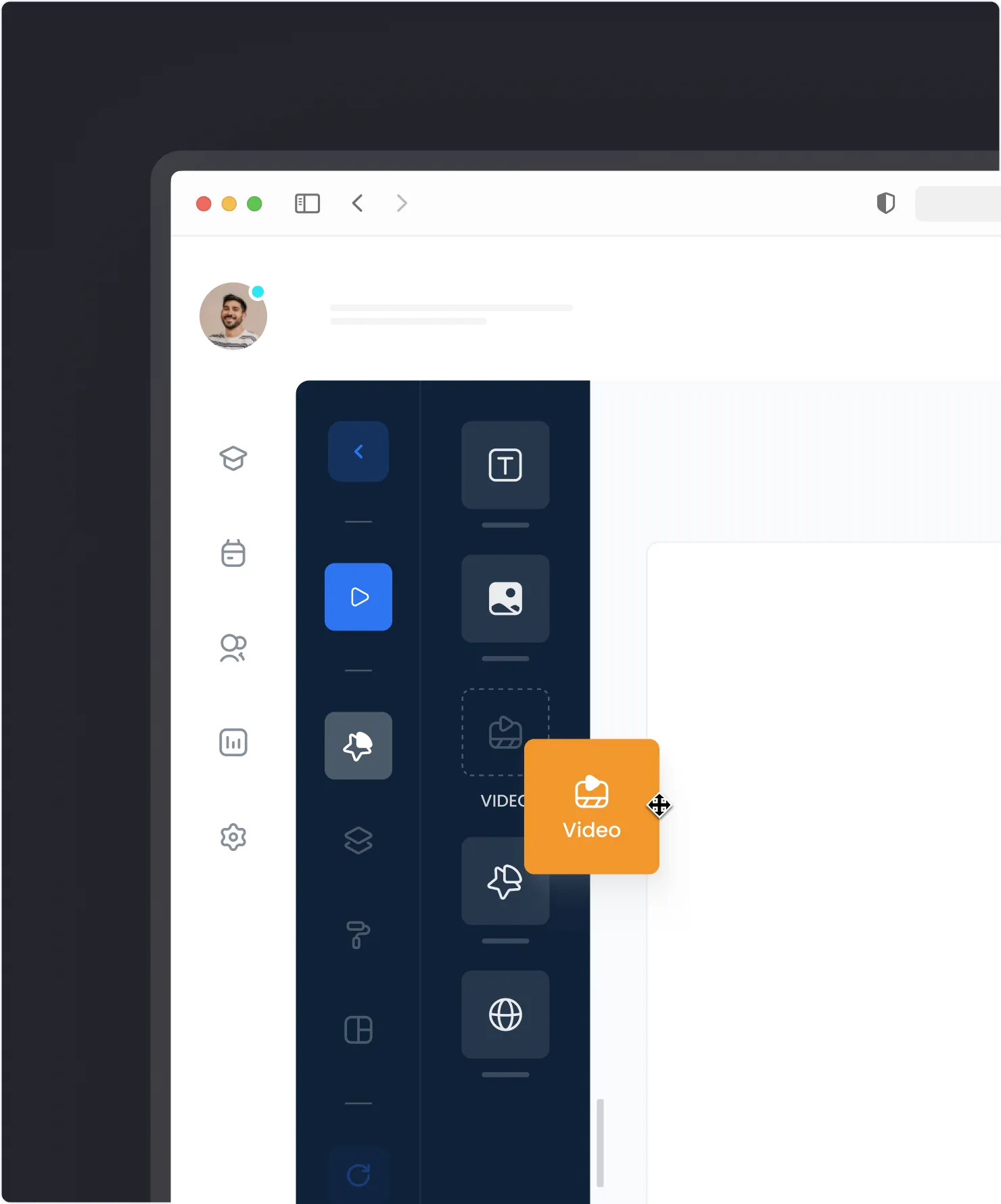
Edit with words, not clicks.
Need to restructure? Just ask. The agent moves elements, updates content, and adjusts layouts based on your instructions.
- Reorder content — Move lessons and modules
- Update text — Change titles and descriptions
- Adjust flow — Add or remove branching paths
- Generate images — Create visuals on demand
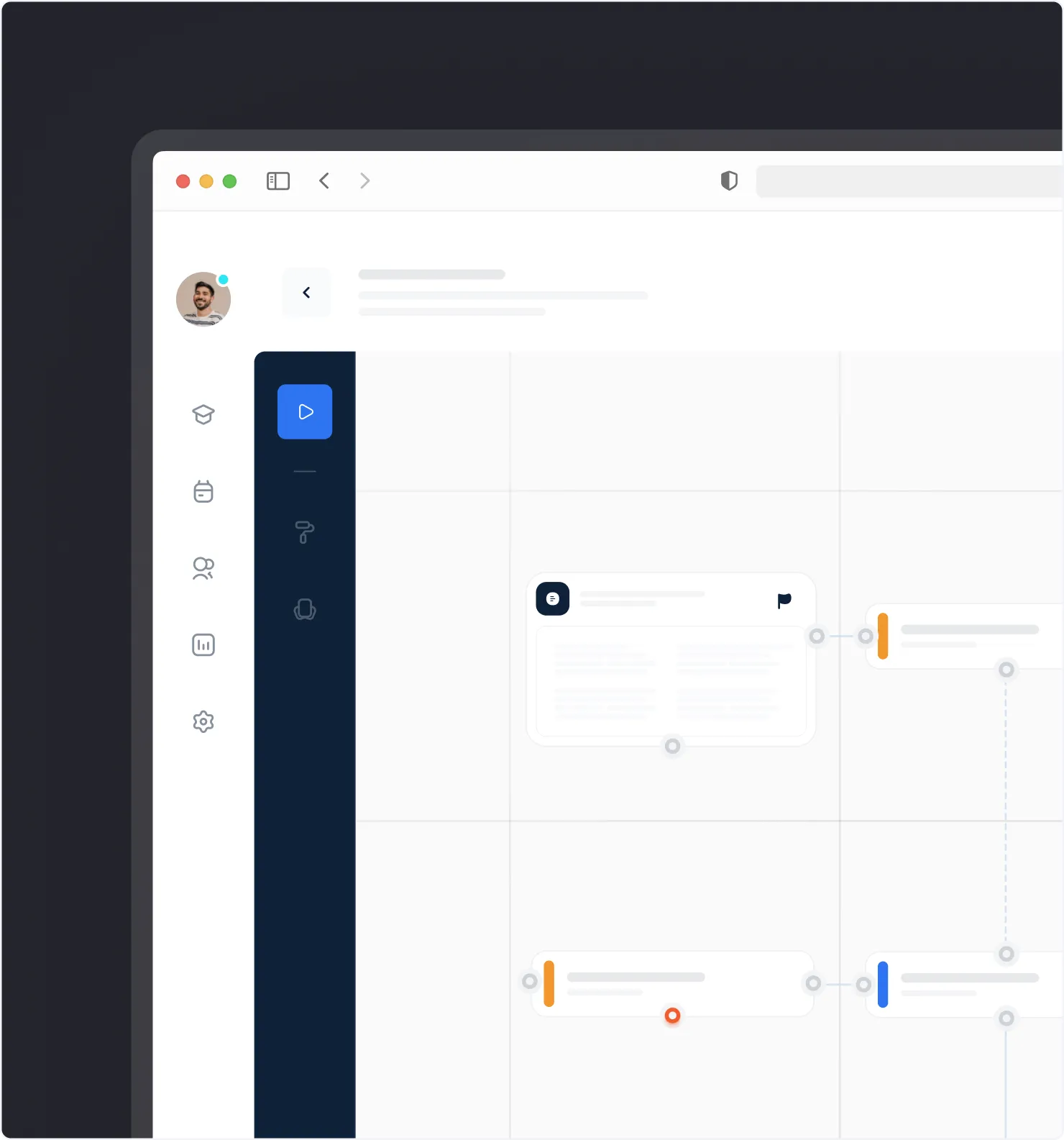
From topic to course in seconds.
Give the agent a topic and learning objectives. Get a complete course outline with modules, lessons, and assessments ready to customize.
- Full structure — Modules, lessons, assessments
- Logical flow — Prerequisites and dependencies
- Best practices — Built-in instructional design
- Ready to edit — Customize every element
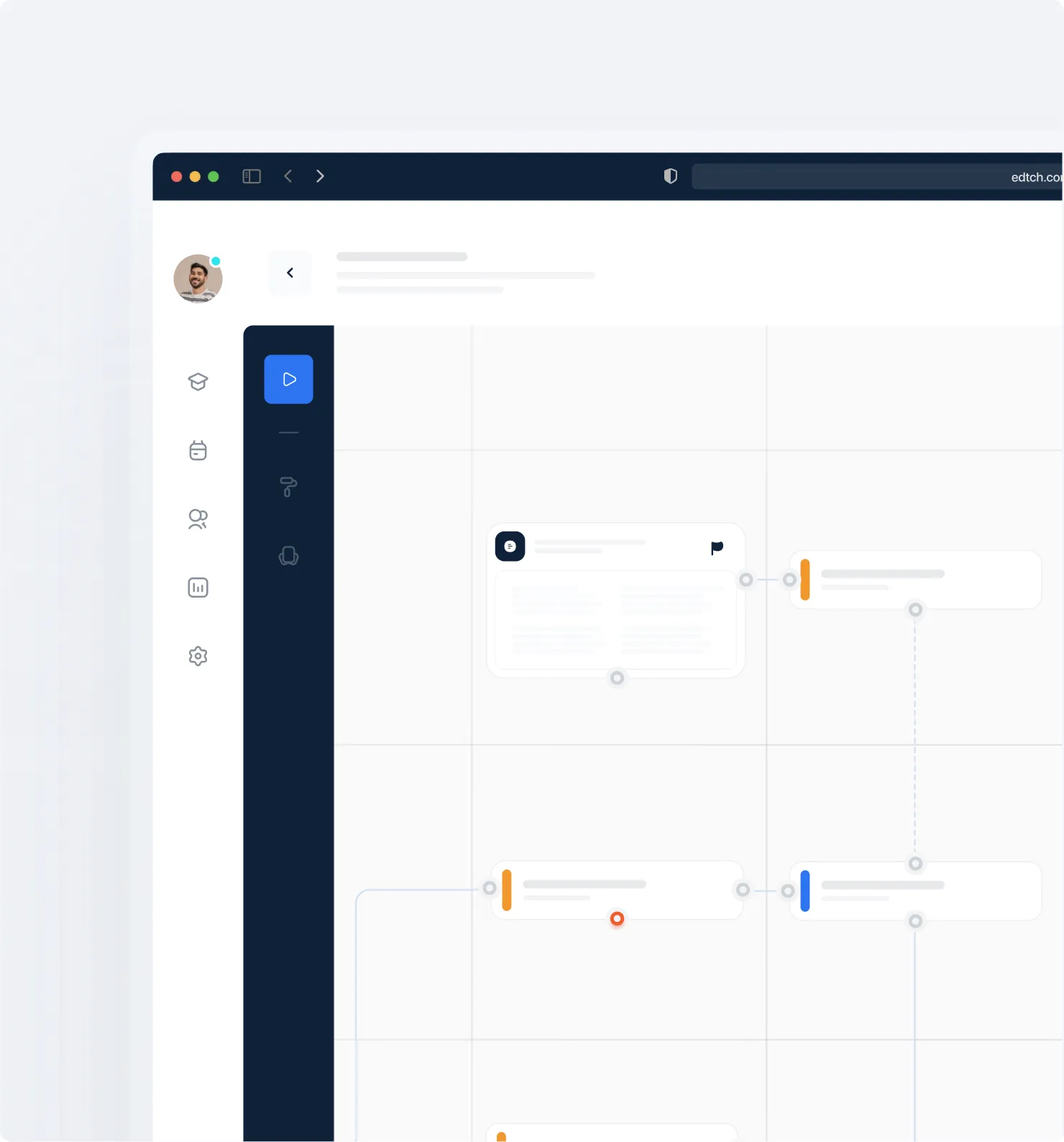
How it works
Chat-to-Canvas Creation
Describe your course in the chat panel. The agent creates lessons, assessments, and connections directly on the canvas.
Real-Time Editing
Need changes? Just ask. The agent updates text, repositions elements, adjusts layouts, and zooms to show you what changed.
Prompt-to-Outline
Start with a topic, get a complete course structure. Review, tweak, and publish — or keep iterating.
Context-Aware Assistance
The agent understands your course as it grows. Ask follow-up questions and build on previous instructions.
AI-Generated Images
Generate images with a prompt. Powered by OpenAI, images are created and inserted directly into your course.
Works With Your Workflow
The AI Agent lives inside the Canvas Editor. It enhances — not replaces — the visual course builder.