Everything you need on one canvas
A complete creative toolkit for building engaging learning content.
Page editor
Visual content design
AI Agent
Chat to create
Templates
Standardized pages
Multi-slide
Lesson pages
Rich media
Images, video, embeds
Collaboration
Coming soon
A canvas for
rich content
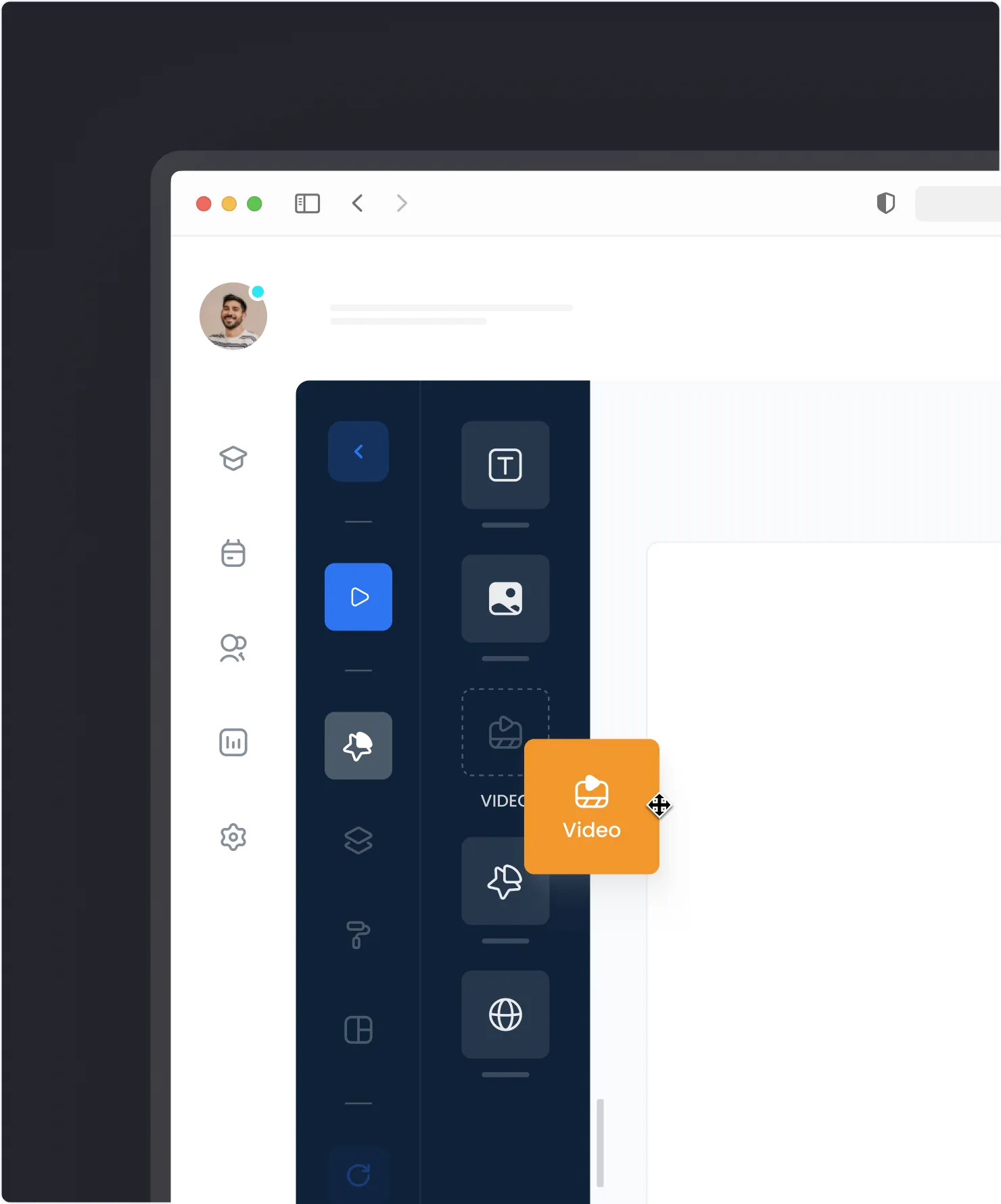
Build lessons and pages on an infinite canvas powered by tldraw. Add text, images, videos, and shapes — then position them exactly where you want.
- Infinite canvas — No size limits, zoom and pan freely
- Rich media support — Text, images, video, embeds
- Shape tools — Rectangles, arrows, freehand drawing
- Page templates — Start from pre-built designs
AI that understands
your content
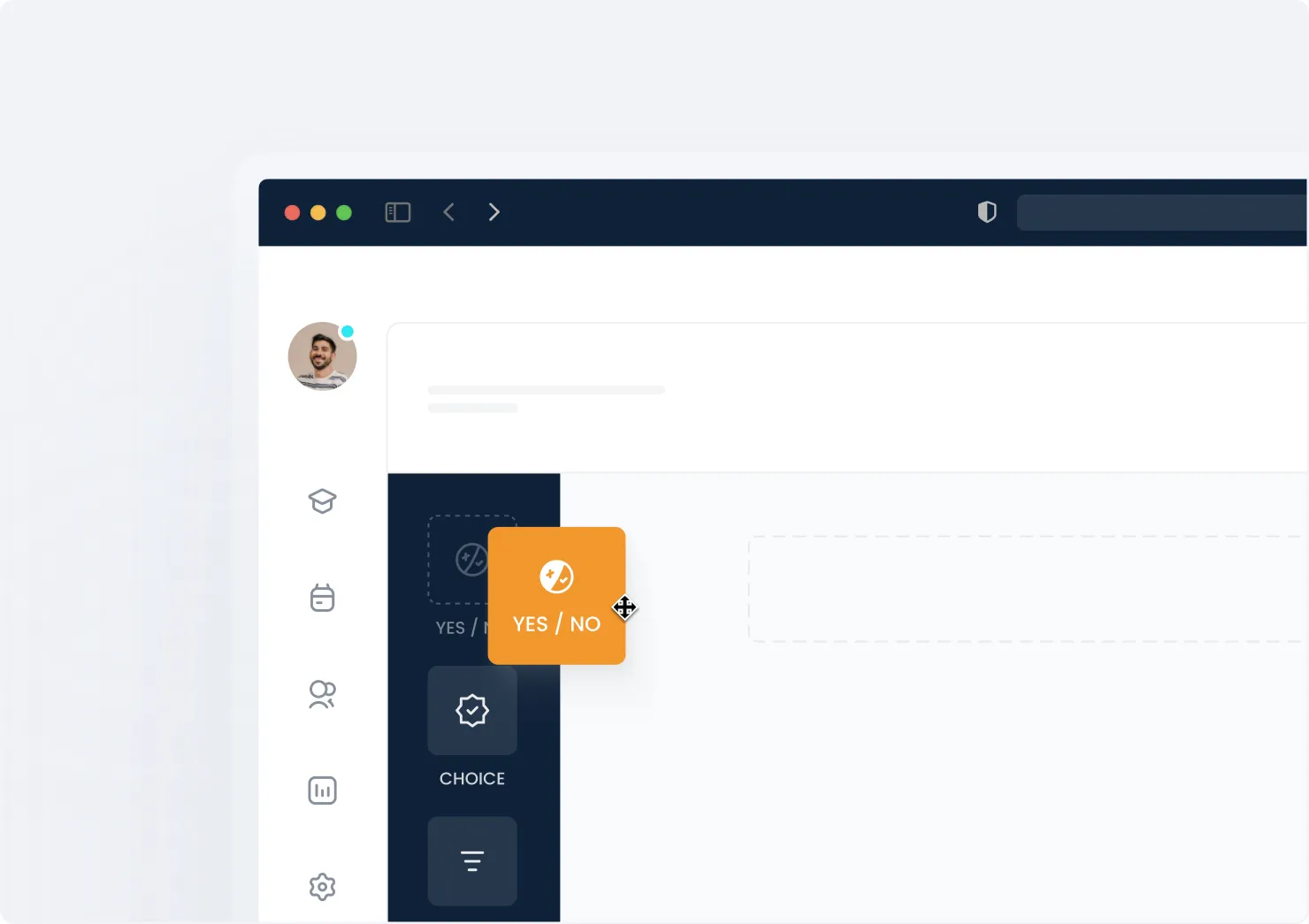
The AI Course Agent lives right in the editor. Chat to generate content, restructure pages, or get suggestions — without leaving your workspace.
- Generate content — Create text, quizzes, summaries
- Edit in context — AI sees what you're working on
- Restructure pages — Reorganize with natural language
- Smart suggestions — Get ideas as you build
Your creative space
Page-Based Editor
Build structured lessons and pages with a powerful visual editor. Powered by tldraw for a smooth, responsive experience.
AI Agent Built-In
The AI Course Agent lives in the editor. Chat to create, edit, and restructure content — right where you work.
Rich Content Editing
Add text, images, videos, shapes, and embeds. Full formatting control with drag-and-drop positioning.
Standardized Pages
Use pre-built page templates for consistent design. Create welcome pages, content pages, and result screens.
Collaboration Ready
Real-time multi-cursor collaboration coming soon. Edit together with your team.
Multi-Slide Lessons
Create lessons with multiple pages. Learners navigate through slides at their own pace.
From blank canvas to published lesson
Open the canvas
Start with an infinite whiteboard. Zoom, pan, and organize your workspace however you like.
Add your content
Drop in text, images, videos, shapes, and embeds. Draw connections and annotations freehand.
Publish or embed
Export as an image, embed in your course, or share a live collaborative session.
Built for educators and trainers
See how teams use the canvas editor to create engaging learning experiences.
Multi-slide lessons
Create lessons like PowerPoint presentations. Learners navigate through slides at their own pace before advancing.
Navigation pages
Build welcome pages, menus, and result screens. Pages support click transitions to guide learners through your course.
Visual content
Combine text, images, videos, and shapes on an infinite canvas. Design engaging, multimedia learning experiences.