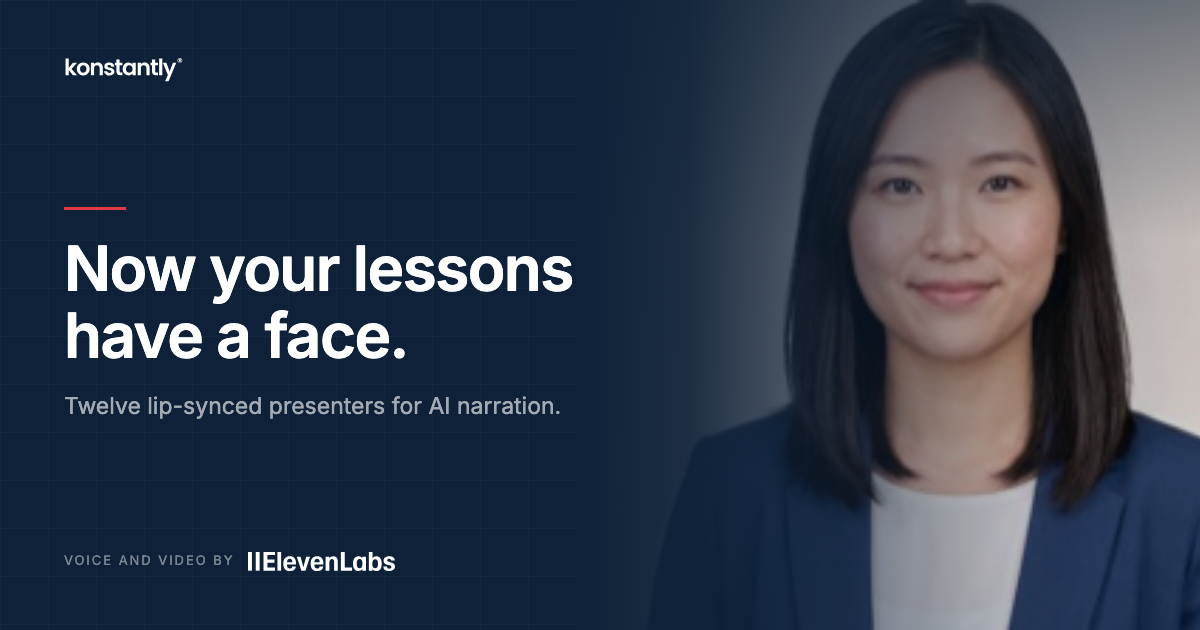
Give your courses a voice: AI narration and presenters, powered by ElevenLabs
Video lessons can now narrate themselves. Write the script, pick a voice, and choose what learners see while it plays – a presenter, or a mark in your brand colour. Availability depends on your plan, workspace settings, and provider terms.

Recording narration is the part of a course everyone postpones. You need a quiet room, a decent microphone, and eleven takes. Then one slide changes next quarter and you do the whole thing again.
Today we are releasing AI narration for video lessons, powered by ElevenLabs. Write the script – or let Konstantly draft it from your slides – pick a voice, and generate. No recording session, and no re-recording when the content moves.
Draft the script from your slides, pick a voice, generate – nothing touches the lesson until you have heard it
Write, Listen, Then Apply
Open a video lesson and click Generate with AI. The assistant reads the pages you have already built and writes a first-pass script. It is a draft, not a decision – edit it, or ignore it and write your own.
Under the script sits a line telling you how long it is and roughly how much audio that becomes. Then you pick a voice from your ElevenLabs library and press one button.
You hear the result before it touches the lesson. Applying it is a separate, deliberate click. A lesson is never overwritten by something you have not listened to.
What Learners See While It Plays
An audio-only lesson used to show learners nothing at all – a voice from somewhere, a static slide, no sign anything was even running.
Now narration can carry a presenter, and there are two kinds.
A mark in your brand colour. A waveform or a soft pulse, drawn from the narration's own amplitude. When the voice pauses, it goes still. It is not decoration pretending to be in sync; the motion is the audio.
Or a person. Twelve presenters, lip-synced to your narration. They are generated people – not actors, not stock photography, and not anyone real. That matters more than it sounds: a stock model release written before AI animation does not cover making that face say new words, and standard photography licences do not either. A person who does not exist has no likeness to license.
Pick either from the same grid. The mark costs nothing beyond the narration. A person is a video render, and the tile says so before you choose it.
Twelve preset presenters, two abstract marks, and audio-only – chosen before you generate
Eligibility, Usage Limits, and Provider Terms
AI narration is available to eligible Business and Enterprise workspaces when enabled by an administrator. Check the allowance and limits shown in your workspace before generating.
A workspace may use the platform connection or an administrator-provided ElevenLabs key, depending on its configuration and eligibility. Provider charges and terms can apply separately from your Konstantly subscription.
Text-to-speech is genuinely metered – every character of script costs real money at the vendor. The usual move is to hide that: bundle "AI minutes" into plan tiers, add a margin, cap you when the margin gets uncomfortable, then re-price once you depend on it.
You can connect your own ElevenLabs account when your workspace supports it.
Your rates. ElevenLabs bills you at whatever your plan there costs. We add no markup and take no cut – the same reasoning as our zero-commission Stripe integration.
Your voices. Once your key is connected, the list is your own library rather than a fixed menu of ours. If you have built a brand voice on ElevenLabs, your courses can speak in it.
Usage limits. Workspace limits, provider quotas, rate limits, and applicable fair-use terms still apply when you connect your own key.
On-screen presenters have separate eligibility and provider terms. A person requires a video render rather than speech alone. Availability can depend on your workspace settings, provider account capabilities, and usage limits. Check the requirements shown before generating.
Browser AI script drafting is included, subject to fair-use and rate limits. Narration and presenter video are separate capabilities with their own eligibility, limits, and provider terms.
Guardrails Before Anything Is Spent
An author with a text box and someone else's API key is a budget incident waiting to happen, so the controls came first.
- The feature is off by default and switched on per account.
- Your admin holds the key and the limits: minutes per author per day, minutes per account per day, and a maximum script length: all in Settings → AI.
- The character count and duration estimate sit above the Generate button, which is the only control that spends anything.
- Failures say what actually happened. An ElevenLabs account out of credits and a plan that lacks a capability are different problems with different fixes, and the message tells you which one you have.
Getting Started
- Ask your administrator to check plan eligibility and enable AI Presenter for your workspace.
- In Settings → AI → AI Presenter, configure the provider connection and daily limits. Add an ElevenLabs API key if required for your chosen capability.
- Open a video lesson and click Generate with AI. Review the requirements, script, and usage estimate before generating.
AI narration is available on Business and Enterprise plans. If it is not switched on for your account yet, get in touch.