Twelve On-Screen Presenters, and Five Generations On Us
AI narration can now put a face on screen – twelve lip-synced presenters – and every workspace gets five narration generations before any key is needed.
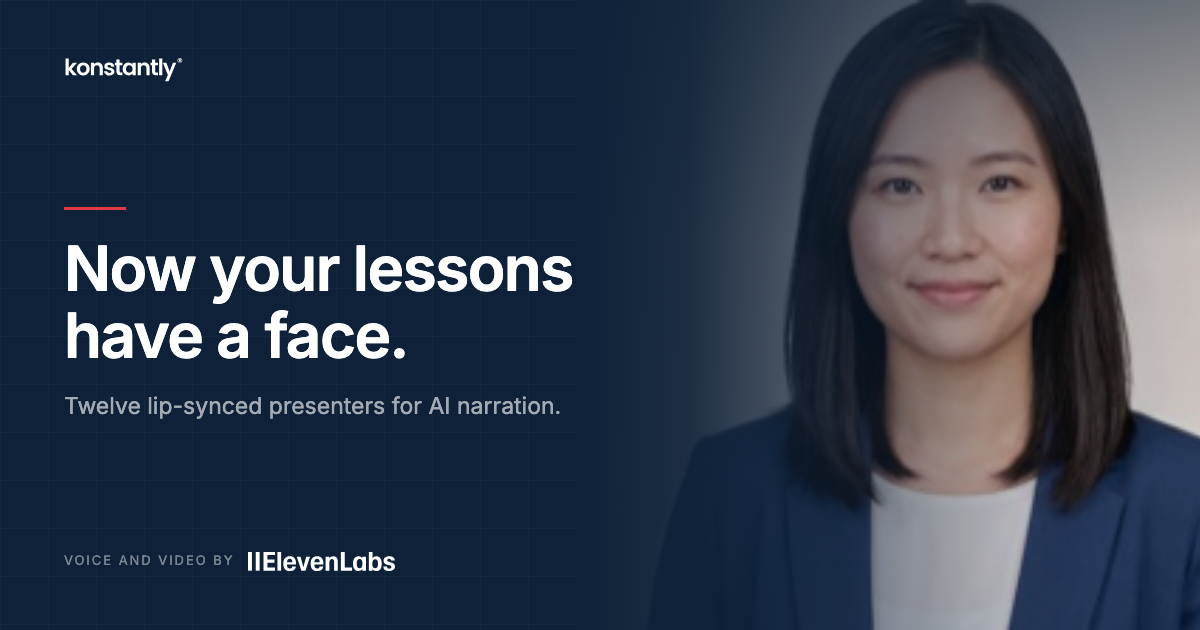
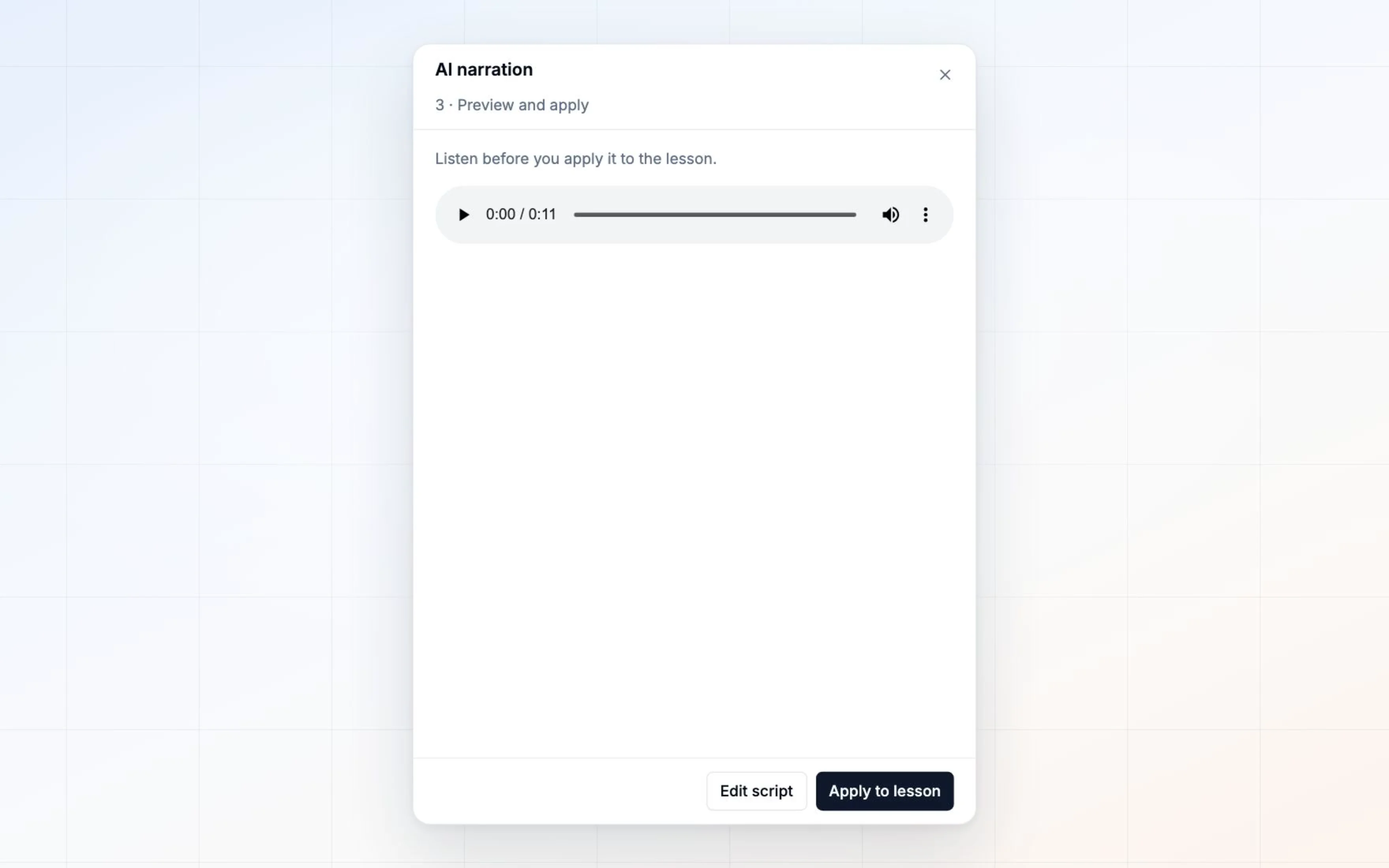
Narration gave your lessons a voice. This gives them a face.
Twelve people, and they are all fictional
Pick a presenter from the same grid as the abstract marks, and your narration is lip-synced to them. They are generated people – not actors, not stock photography, and nobody real.
That matters more than it sounds. A stock model release written before AI animation does not cover making that face say new words, and standard photography licences do not either. A person who does not exist has no likeness to license, which is the basis for animating them at all.
Choose the presenter before you generate
Unlike an abstract mark, a person is part of the generation rather than a display setting applied afterwards. Changing your mind later means generating again, and paying again. A mark, by contrast, can be swapped as often as you like for nothing.
If the video stage fails, the narration survives. You keep the audio you already paid for and the lesson plays with it.
Five generations, on us
Every workspace now gets five narration generations before any key is needed – no ElevenLabs account, no card, no setup. Enough to narrate a short course and decide whether you would publish the result.
After that, connect your own ElevenLabs key to continue. You pay their rates with no markup from us, your own voice library replaces our default list, and your plan there is the only ceiling.
On-screen presenters always need your own key, on ElevenLabs Pro or above. A person is a video render rather than speech – roughly 30 to 100 times the cost – so it is not something we put on a shared account. The abstract marks stay free.
Improvements5
- Presenterstwelve lip-synced people, picked from the same grid as the abstract marks, before you generate
- Free to tryfive narration generations per workspace, with no ElevenLabs key and no card
- Presenters are a video render on your own ElevenLabs key, Pro or above – the tile says Paid before you pick
- Fail-softif a person render fails, the narration you paid for survives and the lesson plays with the audio
- AvailabilityAI narration and presenters are on Business and Enterprise plans