Introducing Ask Konstantly: Your AI Training Assistant
Create entire courses by having a conversation. Ask Konstantly understands what you need, asks the right questions, and builds it for you, from course to quiz.

Building a training course used to mean hours of clicking through editors, formatting slides, and writing quiz questions one by one. Even with AI features, you still had to find the right button, pick the right mode, and figure out which panel does what.
Today, we are releasing Ask Konstantly: a single AI assistant that works everywhere in the platform. No buttons to find. No modes to switch. Just tell it what you want.
Ask Konstantly: One Chat, Everywhere
The biggest change is simple: there is one chat, and it follows you.
On the Home page, Ask Konstantly is your starting point. In the course builder, it understands you are building a course. In the test editor, it knows you are working with questions. In the survey editor, it adapts to survey question types.
You do not have to remember which assistant does what. There is only one.
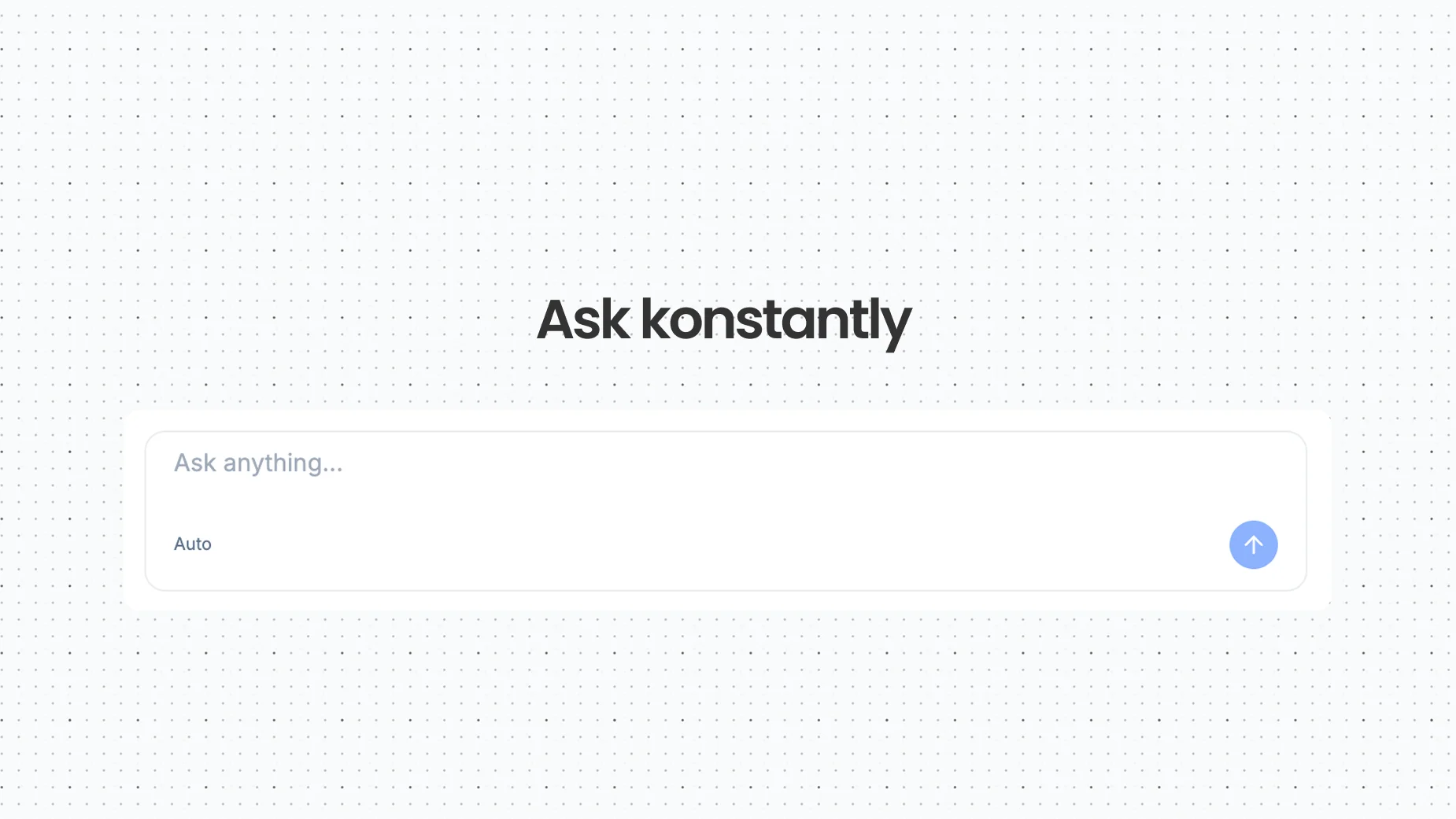
Ask anything...
Describe what you need. The assistant asks clarifying questions – who is the audience, how long should it be, do you want assessments. Then it generates everything. Course structure, page content, connections between elements.
Not a template. A real course built from your description.
Read more about how it works on the AI Course Assistant page.
It Remembers What You Built
Create a sales training course on Monday. Come back on Thursday and say "make another one like the sales course, but for customer support." The AI knows what you are referring to. It recalls the structure, the style, the audience. It builds something similar without you having to explain everything again.
"Continue what I was working on" actually works.
Ask It Anything
Beyond creating content, Ask Konstantly knows the entire platform. It is your guide.
Ask anything...
Ask how to publish a course. Ask what question types are supported. Ask how to invite users. The answers come from our knowledge base and include direct links to detailed documentation. You can also ask Claude directly about your training data from outside the platform.
If you ask something outside the common topics, the AI searches across all help articles to find the most relevant answer – even if your exact words do not appear anywhere.
Refine, Don't Start Over
One of the most frustrating things about AI tools is the "all or nothing" problem. Generate something, realize it is not quite right, start over from scratch.
Ask Konstantly lets you refine in place.
Ask anything...
"Make the questions harder." "Add a final exam." "Rename Module 3 to Safety Procedures." The AI understands these as modifications to what it already created, not new requests.
Every follow-up builds on your full history – what you have created before, the current conversation, and the content just generated. The more you use it, the better it gets at understanding what you want.
The same refine-in-place approach applies to quizzes and exams – see the AI Tests Assistant page for details.
From Chat to Finished Slides
When the AI creates a course with pages, each page already knows what it should cover based on the course topic and structure. Open any page in the slide editor and click generate – the AI creates rich visual slides without you having to re-explain the topic.
Think of it as the chat handling the big picture, and the editor handling the details.
What Else
A few more things we shipped:
Navigate by asking. Say "show my courses" or "analytics" or "settings." Instead of auto-redirecting (which felt jarring), the assistant shows a description of what you will find and a clickable link. You decide when to go.
Actions from chat. "Invite [email protected]" extracts the email and pre-fills the invitation form. "Create a group called Marketing" pre-fills the group name. The chat bridges the gap between intent and action.
Export conversations. Every chat can be downloaded as a markdown file. Useful for documenting what was generated or sharing with team members.
Content from URLs. Paste a link to an article, and the AI extracts the text to use as course material. "Create a course from https://example.com/safety-guide" reads the page and generates relevant content.
Insights for Authors
We also added an Insights tab to the Analytics page – real data about how your content is performing:
- Hardest questions: which quiz questions have the highest failure rate
- Lowest completion courses: where learners drop off
- Toughest tests: which assessments have the lowest pass rates
Color-coded severity. Clickable links to the specific course or test. No guesswork about what to fix next.
Try It
Go to the Home page. Type what you need. See what happens.
If you are already a Konstantly user, Ask Konstantly is live right now. Open any editor and click the "Ask" button in the sidebar, or just start from Home.
If you are new, sign up for free and try it. Most people have a first draft course ready in just a few minutes.
We are excited to hear what you think. Your feedback is what shapes what we build next – every suggestion, every "this could be better," every idea helps us improve.
You can leave feedback directly from any chat by clicking the bug icon in the chat header, or use the thumbs up/down buttons on any AI response. It goes straight to our team.
Happy building.