Smart Import: From File to Course in Seconds
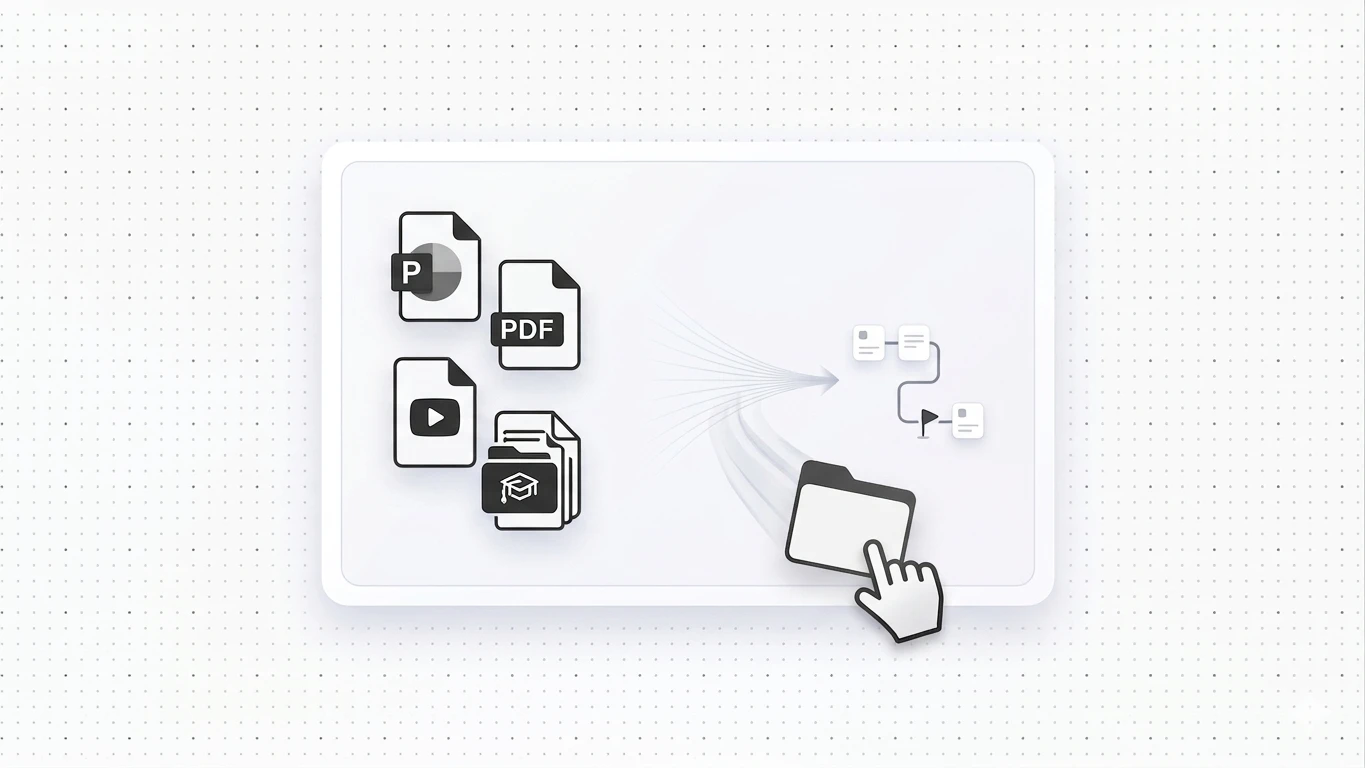
Drop your PowerPoint, PDF, video, or SCORM package into Konstantly's Smart Import and get a structured course automatically.

Creating courses just got way easier with Smart Import. If you've ever stared at a PowerPoint deck, video, or image thinking "this would make a perfect course," now it does – automatically.
How Smart Import Works
The process couldn't be simpler:
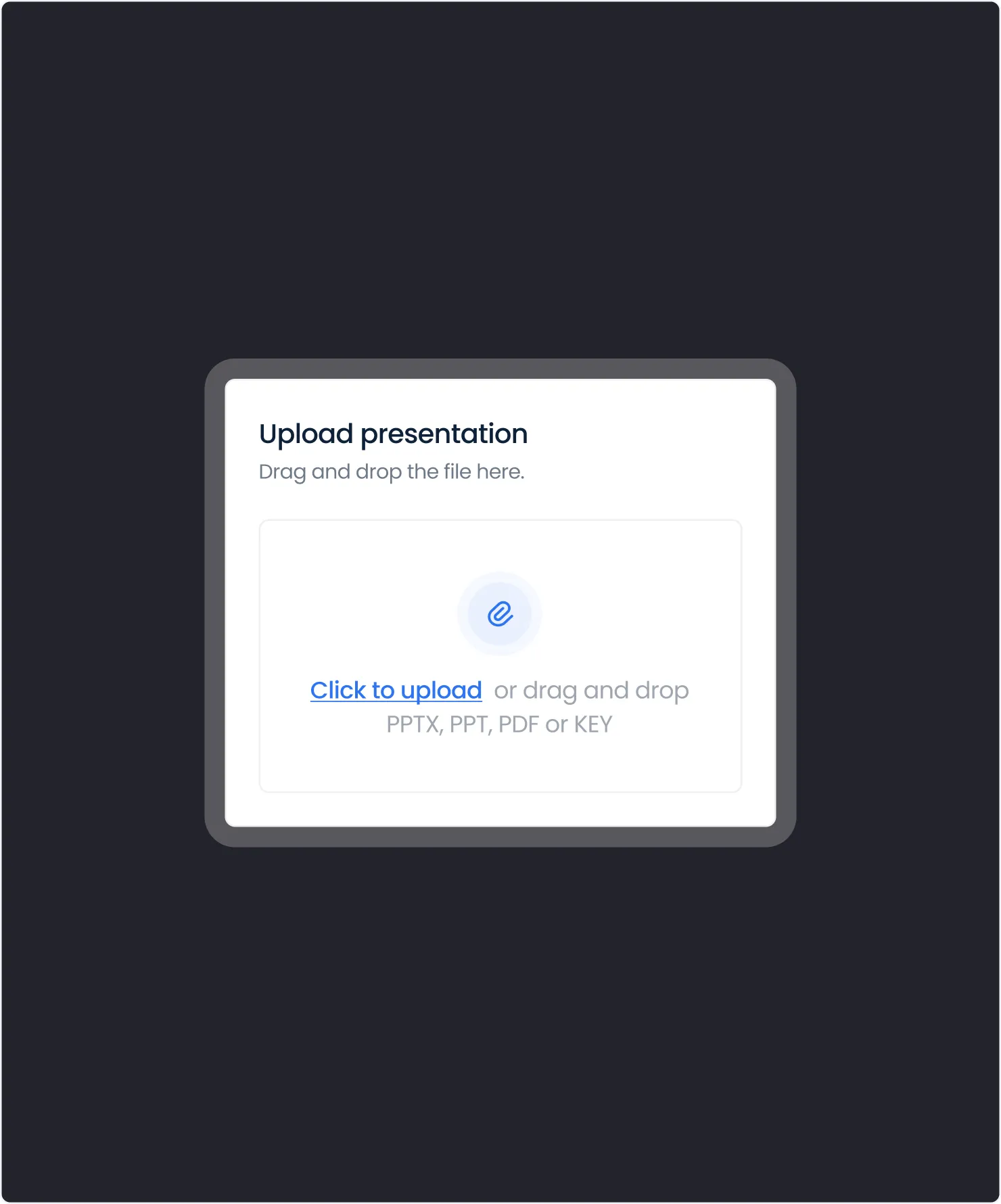
- Navigate to your course catalog
- Click the Import button
- Drop your file and watch the transformation unfold
That's it. No complex setup, no manual configuration. Just drag, drop, and done.
 A PowerPoint deck being dropped into Konstantly's course catalog and turning into a structured course
What Gets Imported
Smart Import understands your content and handles it intelligently. It's built on the same course builder you use to edit courses afterward, and it works alongside the AI course assistant if you want help refining structure once the import lands:
| File Type | What Happens |
|---|---|
| PowerPoint or PDF | Instantly becomes structured lessons |
| Images, audio, video | Each gets its own dedicated page |
| SCORM packages | Preserved in their own module |
| Existing courses | Migrate from other platforms seamlessly |
Automatic Course Creation
Here's the clever part: your file's name automatically becomes your course title. Have a presentation called "Q1 Sales Training.pptx"? You'll get a course titled "Q1 Sales Training" – ready to customize if inspiration strikes.
No More Manual Work
Before Smart Import, course creators spent hours:
- Manually copying content from presentations
- Creating individual pages for media files
- Rebuilding course structure from scratch
- Re-uploading assets one by one
Now? Drop a file and your course structure is ready in seconds. Spend your time refining content, not rebuilding it.
Perfect For
- Trainers migrating existing materials to digital format
- HR teams converting compliance documents to courses
- Sales enablement turning product decks into training
- Subject matter experts who have content but limited time
A Concrete Example
Say you have a 40-slide "Q1 Sales Training.pptx" deck sitting on your desktop. Before Smart Import, turning that into a course meant copying each slide's content into a new lesson, re-uploading every image, and manually naming and ordering the pages. With Smart Import, you drop the file, and within seconds you have a course titled "Q1 Sales Training" with each slide already broken into its own lesson – ready to review and publish.
If your existing materials are already packaged as SCORM, see our SCORM vs xAPI comparison for how Konstantly handles that format on import.