![Employee Training Plan: How to Build One (With Template) [2026]](https://images.unsplash.com/photo-1517245386807-bb43f82c33c4?w=1200&h=630&fit=crop)
Employee Training Plan: How to Build One (With Template) [2026]
A practical employee training plan template plus the process behind it: how to set objectives, sequence content, assign owners, and keep the plan alive after week one.

Most employee training plans fail in the same way. Someone writes a thorough document, circulates it for approval, and then nobody opens it again. The plan was never wrong. It just had no mechanism for staying true.
This guide gives you a template you can copy, and more importantly the process that keeps it from becoming a document nobody reads.
What a training plan is for
A training plan answers four questions for a specific person or role:
- What do they need to be able to do?
- In what order will they learn it?
- Who is responsible for each part?
- How will we know it worked?
If your draft does not answer all four, it is a content list rather than a plan. Content lists are the most common failure mode, because they are easier to write and feel productive.
Before you write anything
Start from the job, not the catalogue
The instinct is to open your library and pick courses that seem relevant. That produces a plan optimized for what you happen to have.
Start instead from what the person must be able to do independently by a given date. Write those as observable capabilities: "can process a refund without escalating," not "understands the refund policy." The difference is that the first can be checked and the second cannot.
Our training needs analysis guide covers doing this rigorously at scale. For a single role, an hour with the person currently doing the job well is usually enough.
Separate what training can fix
Some performance gaps are not training gaps. If people know how to do the task but do it wrong because the tooling is bad, the incentive is misaligned, or nobody told them it mattered, training will not help and will get blamed when it does not.
Ask: if their life depended on it, could they do it today? If yes, it is not a knowledge gap. This filter removes a meaningful fraction of proposed training before you waste effort building it.
Decide the deadline first
"Ramped by day 60" produces a very different plan from "ramped by day 30." Set the date before you sequence content, because the date determines how much fits.
The template
Copy this structure. It is deliberately short, because plans longer than a page stop getting used.
1. Role and owner
- Role: the position this plan covers
- Plan owner: the person accountable for it running, usually the hiring manager
- Last reviewed: a date, updated when the plan changes
2. Target capabilities
List five to eight things the person must be able to do independently, each with the date they should reach it. Example structure:
| Capability | Independent by |
|---|---|
| Run a standard customer onboarding call unaided | Day 30 |
| Resolve tier-1 support tickets without escalation | Day 21 |
| Configure a new account in the admin console | Day 14 |
Keep this to capabilities, not topics. If you cannot imagine watching someone demonstrate it, rewrite it.
3. Sequence
Group the plan into phases with a theme. A common shape for a new hire:
Phase 1, days 1 to 5: context. Company, product, customers, tools access. The goal is orientation, not competence.
Phase 2, days 6 to 15: core task training. The specific work, taught in the order the work actually happens.
Phase 3, days 16 to 30: supervised practice. Real work with a safety net. Most learning happens here, not in phases one and two.
Phase 4, day 30 onward: independent work with checkpoints. Reduced supervision, scheduled reviews.
Under each phase, list the specific activities with format and owner:
| Activity | Format | Owner | Duration |
|---|---|---|---|
| Product fundamentals | Online course | Self-paced | 3 hours |
| Shadow three onboarding calls | Observation | Assigned buddy | 3 hours |
| Admin console walkthrough | Live session | Team lead | 1 hour |
| Practice account setup | Hands-on exercise | Self, reviewed by lead | 2 hours |
The mix matters. A plan that is entirely self-paced courses produces people who have watched a lot and done nothing.
4. Checkpoints
Define when someone verifies progress and what they check. Two or three checkpoints is usually right.
| Checkpoint | Date | Who | What is checked |
|---|---|---|---|
| Week 1 review | Day 5 | Manager | Access working, orientation complete, questions surfaced |
| Competency check | Day 21 | Team lead | Demonstrates tier-1 ticket resolution unaided |
| 30-day review | Day 30 | Manager | Capability list reviewed, gaps identified |
A checkpoint without a named person does not happen.
5. Success measure
One or two things that indicate the plan worked, measured after it ends. For a support role, that might be ticket resolution time relative to the team baseline at day 60. For a sales role, first closed deal. Pick something the business already tracks, so measuring costs nothing extra.
Making the plan run itself
The template is the easy part. Here is what separates plans that execute from plans that get filed.
Assign automatically
If the manager has to remember to assign each course, the plan will drift within two hires. Tie the curriculum to the role so that adding someone to the group assigns everything with the right due dates. We cover this in role-based training automation, and the enrollment page shows how the rules work.
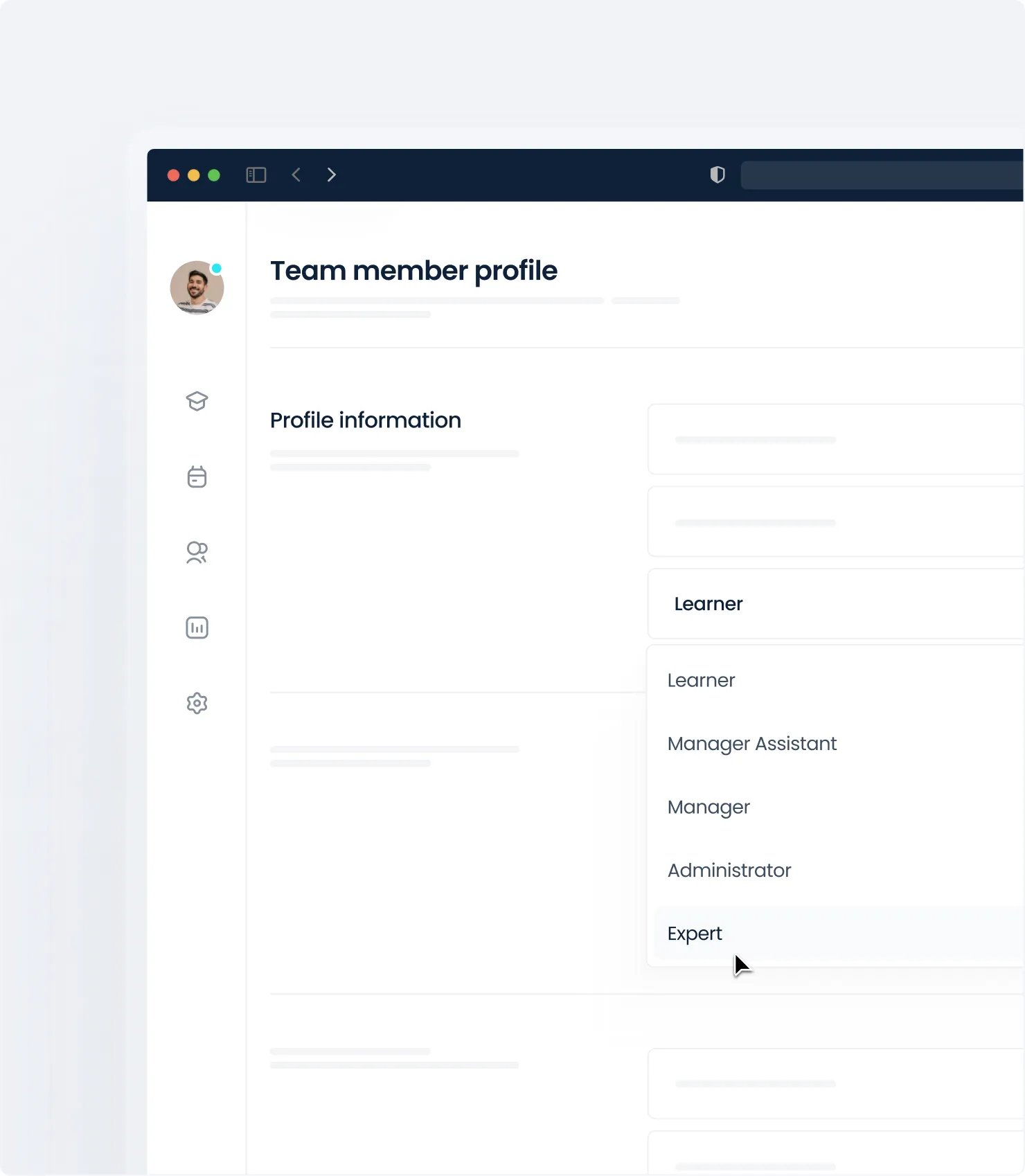 Role-based enrollment rules assigning a curriculum
Put the plan where the work is
A plan in a shared drive is invisible. A plan expressed as assigned training with deadlines shows up in the learner's queue, sends reminders, and reports progress without anyone chasing.
Give the manager a status view
Managers abandon plans they cannot see. A view showing where each of their people stands, refreshed automatically, is what keeps the plan in play. See learning analytics for what to put on it.
Review the plan on a schedule
Set a recurring date to review the plan against reality. The question is simple: what did the last three hires struggle with that this plan did not cover? Add it. Remove anything nobody used.
Adapting the template
New hire onboarding. Use it as written. Our new hire onboarding checklist covers the non-training logistics that run alongside, and building effective onboarding covers the wider program.
Existing employee development. Replace fixed day counts with a quarter, and replace the phases with capability areas. The checkpoint structure stays. Our upskilling and reskilling guide covers the strategic framing.
Compliance training. The plan is mostly recurrence rather than sequence. What matters is the obligation matrix and expiry tracking rather than phased learning. See compliance training best practices.
Manager transitions. New managers need a plan that front-loads people skills rather than task skills, because the failure mode is different. Our manager training programs guide covers the shape.
Common mistakes
Too much content in week one. Front-loading everything feels efficient and produces almost no retention. Spread it, and put practice close to the content it reinforces. Microlearning covers spacing.
No practice. Plans made entirely of courses and documents fail because reading about a task does not produce the ability to do it. Every capability on your list needs a corresponding activity where the person does the thing.
Unnamed owners. "The team" is not an owner. Every activity and checkpoint needs one person's name.
Never revised. A plan written for a role two years ago is describing a job that no longer exists. The review date field in the template exists for this reason.
Measuring completion only. Everyone finishing every course tells you nothing about whether they can do the job. The capability list is the actual measure. How to measure training ROI covers connecting training to outcomes without overclaiming.
Start with one role
Do not write plans for every role at once. Pick the role you hire most often, build the plan, run it with the next hire, and fix what broke. That produces a plan that works and a template your team trusts. Then do the next one.
The first plan takes a few hours. The second takes one, because you are copying structure that has already survived contact with a real person.
Ready to turn your training plan into something that runs on its own? Start your free trial and set up your first role-based curriculum.